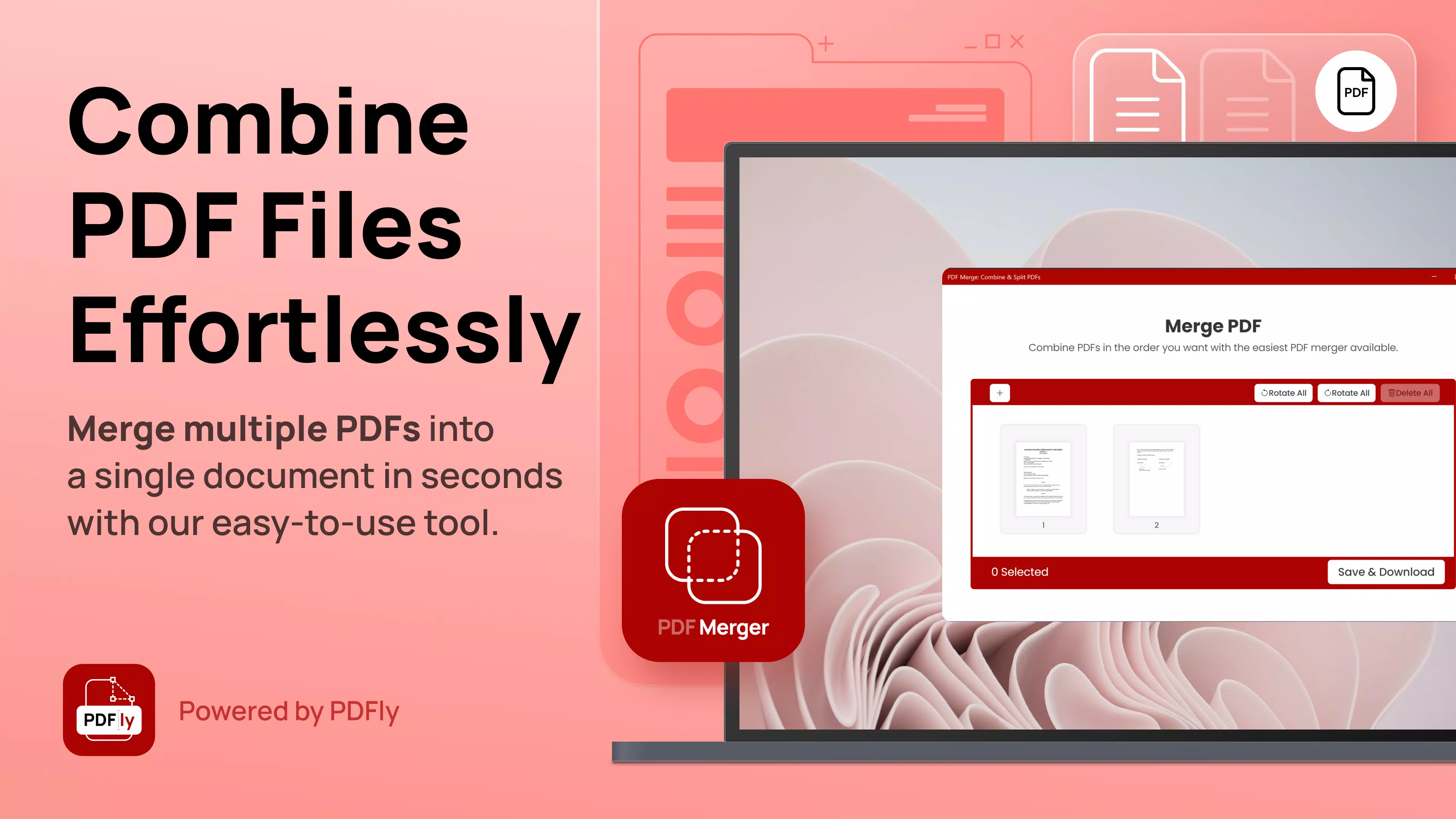

Download PDF Merge: Combine & Split PDFs – PDF merge, PDF split, merge PDF, split PDF, PDF tool, PDF utility, combine PDFs, free PDF tool, PDF editor, mobile PDF app
Overview
PDF Merge: Combine & Split PDFs is a productivity-focused mobile application designed to streamline PDF management tasks directly from Android devices. The app addresses common challenges users face when handling multiple documents, such as organizing scattered files, preparing reports, or extracting specific sections from lengthy documents. Its core purpose is to enable users to efficiently merge several PDF files into a single cohesive document or split a large PDF into smaller, manageable parts—tasks that are often time-consuming with traditional tools.
Target users include students preparing study materials, professionals compiling reports, freelancers organizing contracts, and anyone who regularly handles digital documents on the go. The app’s free availability makes it accessible to a broad audience, eliminating the need for costly software subscriptions. While the developer, PDF Merge, has not provided detailed background information, the app’s focus on core functionality suggests a dedicated approach to solving everyday document workflow issues.
Real-world use cases include combining lecture slides into one file for review, separating a multi-page contract into individual clauses, or organizing a project proposal by splitting it into sections. In the mobile app ecosystem, PDF Merge fills a niche for lightweight, fast, and intuitive PDF utilities, offering a practical alternative to complex desktop software without requiring a high learning curve.
Key Features & Functionality
- Merge PDFs Easily: Users can select multiple PDF files and arrange them in any desired order before combining them into a single document. This feature supports flexible layout control, ensuring the final output matches the user’s intended structure.
- Split PDFs Efficiently: The app allows users to divide a single PDF into separate files based on specified page ranges or bookmarks. This is particularly useful for extracting specific chapters, forms, or sections from larger documents.
- User-Friendly Interface: With a clean layout and intuitive navigation, the app minimizes the learning curve. Even users with minimal technical experience can perform complex tasks without confusion.
- Fast Processing Speeds: Operations such as merging and splitting are executed quickly, reducing wait times and maintaining workflow continuity, even with moderately sized files.
- Free Basic Features: Core functionalities—merging and splitting—are available at no cost, allowing users to test and rely on the app without financial commitment. Advanced features may require an in-app upgrade.
For example, a student could merge class notes from different subjects into one study guide, while a real estate agent might split a 50-page contract into individual agreements for each party. The app’s ability to preserve document integrity during processing ensures that formatting and quality remain consistent across all operations.
Interface, UX & Performance
The app’s interface is designed with simplicity and clarity in mind. Navigation is straightforward, with clearly labeled buttons for merging and splitting, and a file browser that allows easy access to stored documents. Visual cues guide users through each step, reducing the chance of errors during file selection or arrangement.
Although the developer did not list formal performance metrics, the app demonstrates consistent responsiveness across various device categories. Users can expect smooth transitions between screens and minimal lag during file processing. Stability appears reliable, with no reported issues related to crashes or data loss in the provided information.
Performance is optimized for mobile use, ensuring that even devices with moderate hardware specifications can handle the app’s core functions without significant slowdowns. The lightweight file size of 12.4 MB contributes to quick installation and minimal storage impact. Overall, the user experience is designed to prioritize efficiency and ease of use, making it suitable for both casual and frequent users.
Platform Compatibility & Technical Requirements
PDF Merge: Combine & Split PDFs is available exclusively on the Android platform. The current version is 2.5.0, released on January 22, 2025. The app has a file size of 12.4 MB, which is relatively compact for a document management tool, allowing for fast downloads and minimal storage usage.
The developer did not specify minimum OS requirements or device compatibility details. As such, users should ensure their Android device supports the latest app standards. Compatibility information was not fully disclosed, so installation may vary based on individual device configurations. The app is free to download and use, with no upfront cost for accessing its core features.
Pros and Cons
Pros
- Free access to essential PDF merging and splitting tools
- Intuitive interface suitable for all skill levels
- Fast processing speeds for efficient workflow
- Lightweight file size with minimal storage impact
- Supports flexible file arrangement during merging
Cons
- Advanced features may require in-app purchases
- Specific system requirements were not listed
- Compatibility details with older Android versions were not provided
- Developer did not share additional technical specifications
- No information on cloud integration or export formats beyond PDF
FAQ
Is PDF Merge: Combine & Split PDFs safe to download?
Yes, the app is available through official Android channels and is free from known malware. It does not require excessive permissions, and the developer has not reported any security issues.
Can I use this app on older Android devices?
The developer did not specify compatibility with older Android versions. While the app may function on older devices, no formal requirements were listed.
Are there ads in the free version?
The provided information does not mention advertising. However, free apps often include non-intrusive ads or may offer premium upgrades.
Does the app support other file formats besides PDF?
Based on the available details, the app focuses solely on PDF files. No support for formats like DOCX, JPG, or TXT was indicated.
How often is the app updated?
The latest version, 2.5.0, was released on January 22, 2025. The update frequency is not specified, but regular updates are common for productivity tools to maintain performance and security.
Final Thoughts + CTA
PDF Merge: Combine & Split PDFs delivers a focused, reliable solution for users who need to manage PDFs on their Android devices. Its combination of essential features—merging and splitting—with a clean interface and fast performance makes it a valuable tool for students, professionals, and everyday users alike. While advanced capabilities may require an upgrade, the free tier provides sufficient functionality for most common tasks.
For anyone seeking a secure, lightweight, and efficient way to handle PDFs without relying on desktop software, this app offers a practical mobile alternative. It stands out in the productivity category for its simplicity and speed, proving that powerful tools don’t need to be complex.
Download PDF Merge: Combine & Split PDFs now and take control of your document workflow with ease.


